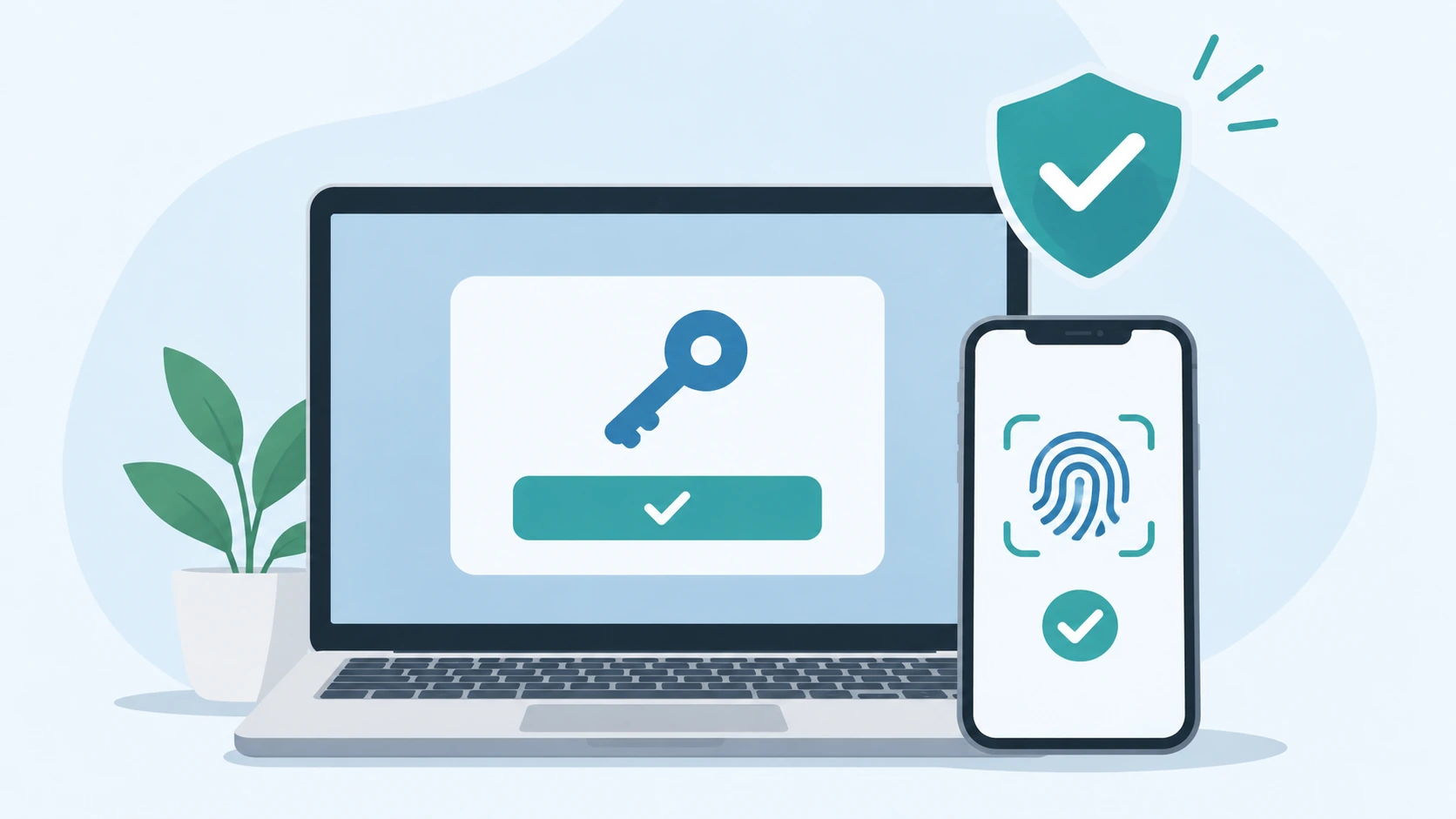
Passwords have been part of the web for so long that typing one into a login form feels completely normal.
They are also responsible for a lot of avoidable problems. People reuse them, forget them, choose weak ones, and sometimes type them into phishing sites that look almost identical to the real service.
Passkeys try to remove that problem at the source.
Instead of typing a secret into a website, you approve the sign-in using a device you already control. That might mean a fingerprint, face scan, PIN, or device password.
The user experience looks simple. Underneath it, though, passkeys use a very different authentication model from passwords.
This guide explains how passkeys work, why they are resistant to phishing, what WebAuthn does, where passkeys are stored, and what a website actually needs to support passwordless login properly.
What Is a Passkey?
A passkey is a FIDO credential based on public-key cryptography.
When a passkey is created, a cryptographic key pair is involved:
- The private key stays protected by the authenticator.
- The public key is stored by the website or service.
The website does not need your private key in order to verify you.
That is a major difference from a normal password system. With passwords, the server still needs data derived from the password so it can check whether what you typed is correct. With passkeys, the server stores the public key and uses it to verify a cryptographic signature.
The FIDO Alliance passkey overview is a good reference if you want the standards-level terminology.
What Happens When You Create a Passkey?
Suppose you are already signed in to a website and open the account security settings.
You choose an option such as “Create a passkey.”
Your browser then works with an authenticator. That authenticator could be built into your phone or laptop, provided by a credential manager, or stored on a hardware security key.
A new credential is created for that website.
The server gets the public portion of the credential and stores it with your account. The private portion remains protected by the authenticator.
You are not given a secret string to memorize, and the website does not receive the private key.
How Signing In With a Passkey Works
When you return later and sign in, the website sends the browser a one-time challenge.
The simplified flow looks like this:
- The website generates a challenge.
- The browser looks for a passkey that matches the site.
- You approve the use of that passkey with a PIN, biometric check, or other device unlock method.
- The authenticator signs the challenge using the private key.
- The server verifies that signature using the public key it already stores.
- If the signature is valid, the account can be signed in.
The private key does not need to travel to the website during this process.
MDN’s passkeys guide has a detailed breakdown of both registration and sign-in.
Does the Website Receive Your Fingerprint or Face Scan?
No.
Your fingerprint, face scan, PIN, or device password is used locally to unlock or authorize the credential.
The biometric data itself is not sent to the website.
That distinction matters because people sometimes assume passkeys mean handing biometric information to every site they use. That is not how the system works.
Biometrics are also not required in every case. A PIN or supported device-unlock method can be used instead.
Why Passkeys Are Harder to Phish
This is one of the strongest reasons to use passkeys.
A password is portable in the worst possible way: you can type it into any form that asks for it.
If the genuine website is:
example.comand a phishing site tricks you into visiting:
examp1e.comyou could accidentally enter the same password into both.
Passkeys are different because the credential is scoped to the website it was created for.
The browser and authenticator take the site’s identity into account during authentication. A passkey created for one relying party cannot simply be presented to an unrelated look-alike domain.
That is why FIDO classifies passkeys as phishing-resistant authentication. :chatgpt-content-reference{index=”2″}
What Is WebAuthn?
Passkeys are the user-facing credential. WebAuthn is the browser API websites use to work with them.
WebAuthn stands for the Web Authentication API.
It handles the browser side of two main jobs:
- registering a new credential
- authenticating with an existing credential
The underlying FIDO2 ecosystem also includes CTAP, which is used for communication with external authenticators such as security keys.
If you have published our Modern Browser APIs Every Web Developer Should Know article, this is a natural place to link to it because WebAuthn is another example of authentication functionality provided through the browser platform.
You can also read the MDN Web Authentication API documentation for the lower-level API details.
Where Is a Passkey Stored?
A passkey does not have to live in one specific place.
Depending on the setup, the credential may be protected by:
- a phone
- a laptop or desktop operating system
- a credential or password manager
- a hardware security key
This is where the distinction between synced and device-bound passkeys becomes useful.
Synced Passkeys
A synced passkey can become available on other devices through the same passkey provider.
That makes the experience much more practical for everyday users. If you replace your phone, you may not need to manually recreate every passkey one by one.
The exact synchronization and recovery model depends on the provider you use.
Device-Bound Passkeys
A device-bound passkey stays tied to a particular authenticator instead of being synchronized across devices.
A hardware security key is a common example.
This can be useful where tighter device control is important, but it also makes backup and recovery planning more important.
Can You Use a Passkey From Another Device?
Yes.
A common example is signing in on a desktop computer while the passkey you want to use is on your phone.
The browser may display a QR code. You scan it with the device that has the passkey and approve the sign-in there.
FIDO’s cross-device authentication design can use proximity checks as part of this process. The important point is that your private key is not simply copied to the other computer just because you scanned the QR code.
Passkeys vs Passwords
| Password | Passkey |
|---|---|
| User remembers or stores a reusable secret | Authenticator protects a cryptographic credential |
| Can be reused across different websites | Credential is scoped to the service it was created for |
| Can be typed into a phishing page | Designed to resist phishing |
| Server stores password-derived verification data | Server stores a public key |
| Often paired with OTP or another factor | Can include user verification through the authenticator |
That last row needs a bit of care.
A passkey can provide both possession of the credential and local user verification, such as a PIN or biometric check. Whether a particular deployment should be treated as multi-factor depends on how the relying party configures user verification and what security assurance it requires.
So it is better to say passkeys can support a multi-factor authentication experience rather than claiming every passkey login is identical from a security-policy point of view.
What Happens If You Lose Your Phone?
This is where passkey recovery becomes important.
If you use a synced passkey provider, your credentials may already be available on another trusted device or become available when you set up a replacement device.
If the credential was device-bound and that authenticator is gone, you may need another registered passkey or the site’s account-recovery process.
A well-designed website should let users register more than one credential when appropriate and should provide a clear way to view and remove passkeys attached to an account.
MDN specifically recommends giving users a way to manage registered passkeys because devices get lost, replaced, or retired. :chatgpt-content-reference{index=”3″}
Passkeys Don’t Automatically Fix Account Recovery
This is one of the most important details for developers.
You can build a strong passkey login and then weaken the entire account with a poor recovery flow.
If an attacker can bypass the passkey by clicking “I lost my device” and going through a much weaker reset process, the passkey is no longer the only thing protecting the account.
Authentication, credential management, and recovery should be designed together.
Do Passkeys Replace Two-Factor Authentication?
Sometimes they can replace the familiar password-plus-code experience, but there is no universal answer for every service.
A passkey proves possession of a cryptographic credential. The relying party can also require local user verification before that credential is used.
For many consumer services, that can remove the need for a password followed by an SMS or app-generated code.
Higher-security environments may still use additional controls, hardware-backed credentials, device policies, or other checks depending on their threat model.
Do Websites Still Need Passwords?
Not necessarily.
Some services allow passkeys while keeping passwords as a fallback. Others can support passwordless accounts from the beginning.
This is why the experience still feels inconsistent across the web.
The technology supports passwordless authentication, but each service decides how quickly it wants to move away from its existing password and recovery systems.
What Does a Website Need to Support Passkeys?
Adding passkeys is not the same as replacing a password field with a fingerprint icon.
The application needs browser-side and server-side work.
At a high level, the site needs to:
- generate unpredictable registration and authentication challenges on the server
- call the WebAuthn API in the browser
- store credential IDs and public keys
- verify returned assertions correctly
- support more than one credential per account where appropriate
- provide secure credential-management and recovery flows
The front end and back end have to exchange registration and authentication data during this process. If you want a basic refresher on browser/server request-response handling, BountyScript also has a guide on processing AJAX request and response data in JavaScript and jQuery.
That article is not a WebAuthn tutorial, but the same browser-to-server concept is useful background if you’re newer to web authentication flows.
For actual passkey implementation, use a maintained WebAuthn library for your server-side platform rather than trying to implement the cryptographic verification yourself.
Are Passkeys Widely Supported?
Passkeys are supported across the major operating systems, mainstream browsers, and third-party passkey providers.
The exact interface still varies.
One user may store a passkey in a phone’s credential manager. Another may use a desktop credential manager. Someone else may use a hardware security key.
That variety is part of the design. “Passkey” is a general cross-platform term, not the name of one company’s login product. :chatgpt-content-reference{index=”4″}
Are Passkeys Actually Better Than Passwords?
For the authentication problem itself, they solve several weaknesses that passwords have never handled particularly well.
There is no password for the user to reuse across five websites.
There is no reusable secret to type into a phishing form.
And the server does not need to hold the private authentication credential.
They are also often easier to use. Confirming a sign-in with a device unlock can be quicker than finding a password, typing it, and then entering a one-time code.
But passkeys do not solve everything around account security.
Session handling, account recovery, device security, credential management, and authorization still matter after the user has authenticated.
Final Thoughts
The easiest way to understand passkeys is to stop thinking of them as more complicated passwords.
They use a different model.
The authenticator protects a private key. The website stores a public key. When you sign in, the authenticator proves that it has the matching private key by signing a challenge from the website.
Most users never need to see any of that cryptography. They simply approve the sign-in with the same kind of device unlock they already use every day.
For developers, WebAuthn handles the browser side of the process, but a good passkey implementation still depends on careful server verification, credential management, and account recovery.
Passwords are not going to disappear from every website overnight. But passkeys remove several problems that passwords have carried with them for decades, especially phishing and password reuse.