JavaScript frameworks get a lot of attention, but browsers themselves have become much more capable.
Things that once required a library, custom component, or fairly complicated JavaScript can now sometimes be handled directly by the browser.
A good example is a dropdown or floating menu. A few years ago, you would probably write JavaScript to position it, close it when someone clicks outside, manage keyboard behavior, and deal with stacking problems.
Today, the browser has a native Popover API that handles much of that work for you.
The same thing is happening with page transitions, navigation, real-time networking, GPU access, security, and performance monitoring.
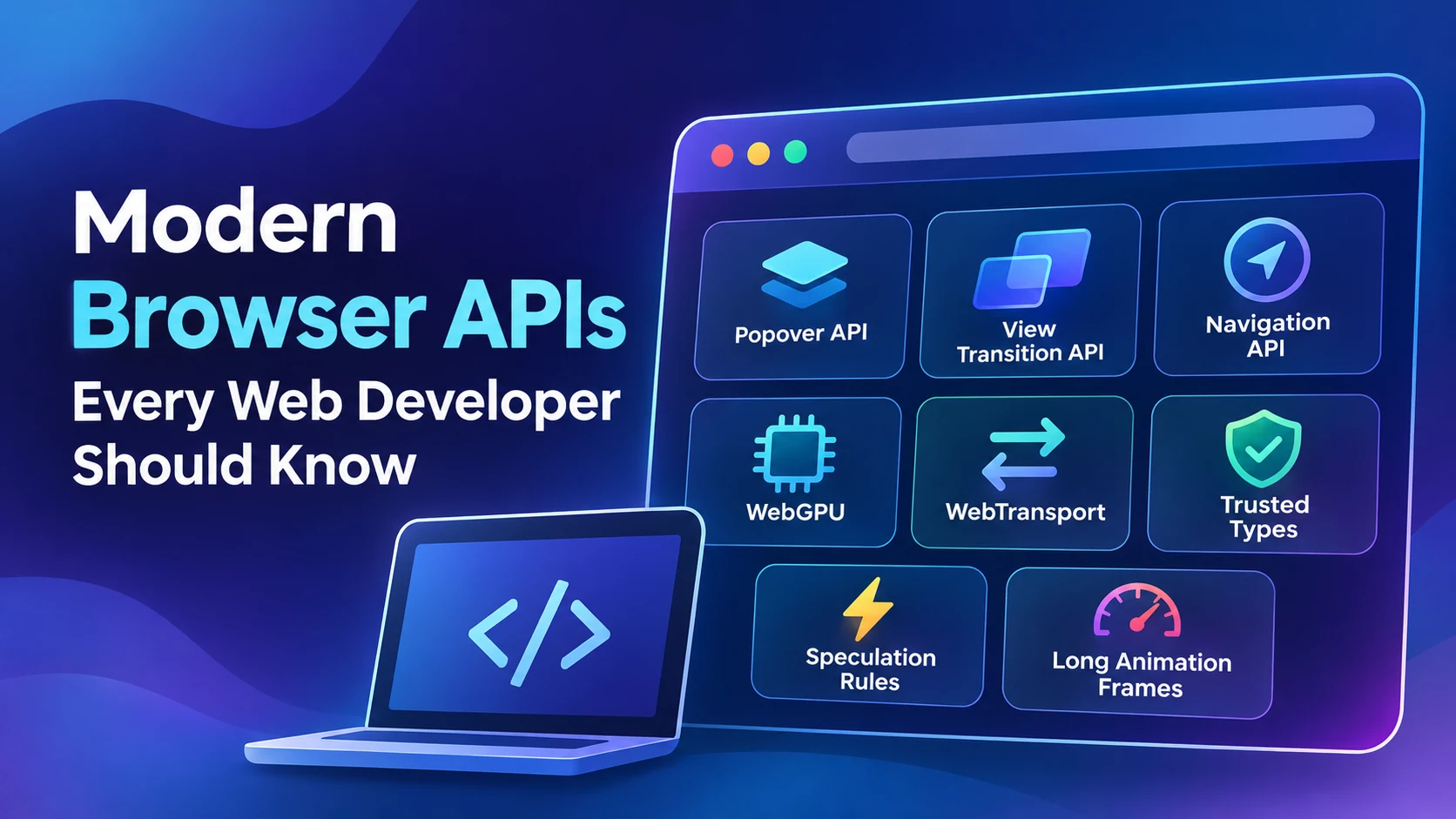
This article looks at some modern browser APIs that are actually worth knowing—not just experimental features that look interesting in a demo.
1. Popover API
Let’s start with one of the simplest.
The Popover API gives the browser a native way to display content above the rest of the page.
That can be useful for dropdown menus, account menus, small settings panels, command menus, and other temporary interface elements.
You can create a basic popover without JavaScript:
<button popovertarget="profile-menu">
    Open menu
</button>

<div id="profile-menu" popover>
    <a href="/profile">Profile</a>
    <a href="/settings">Settings</a>
</div>Clicking the button opens the popover. Clicking outside it dismisses it automatically.
That second part is especially useful.
If you’ve written this behavior manually before, you may have used something similar to:
document.addEventListener('click', (event) => {
    if (!menu.contains(event.target)) {
        menu.classList.remove('open');
    }
});That still has valid uses, but a simple interface no longer necessarily needs custom JavaScript just to handle dismissal.
BountyScript already has a guide about hiding a menu when clicking outside it with JavaScript. The Popover API is a good example of how the web platform has evolved since techniques like that were commonly required.
Popover Isn’t the Same as a Modal
There is an important distinction here.
A popover is normally non-modal, meaning the rest of the page can still be used.
For something that should block interaction with the rest of the page, such as an important confirmation, the native <dialog> element is usually a better fit.
You can read more in the MDN Popover API documentation.
2. View Transition API
Page navigation on traditional websites can feel abrupt.
You click a link, the old page disappears, and the new one appears.
Single-page applications solved some of that with custom transition systems, but those implementations can become surprisingly complicated.
The View Transition API gives browsers a native mechanism for animating between different UI states.
For a same-page change, you could do something like this:
function updateTheme() {
    document.body.classList.toggle('dark');
}

if (document.startViewTransition) {
    document.startViewTransition(updateTheme);
} else {
    updateTheme();
}Without the API, the theme changes normally.
With the API, the browser can animate between the old and new visual states.
That fallback is important. Modern browser APIs are often best treated as progressive enhancements. Your site should still work when the extra effect is unavailable.
Transitions Between Normal Pages
One of the more interesting parts of View Transitions is support for navigation between separate pages on the same site.
A compatible multi-page site can opt in using CSS:
@view-transition {
    navigation: auto;
}This means you do not necessarily need to convert a traditional website into a single-page application just to get smoother navigation.
This can be useful for blogs, documentation sites, portfolios, product pages, and other traditional websites.
See the MDN View Transition API documentation for current support and examples.
3. Navigation API
If you’ve built client-side routing manually, you’ve probably worked with the History API and methods such as pushState().
history.pushState({}, '', '/dashboard');That usually means dealing with URL changes, back and forward navigation, popstate, and several edge cases.
The newer Navigation API provides a more structured way to work with browser navigation.
You access it through:
window.navigationFor example, you can listen for navigation events:
navigation.addEventListener('navigate', (event) => {
    console.log('Navigating to:', event.destination.url);
});The interesting part is not this small example by itself. Navigation state, history entries, interception, and transitions are brought together into a cleaner browser API.
When Would You Use It?
The Navigation API is mainly useful when you’re building something closer to a web application.
- Single-page applications
- Custom client-side routers
- Application shells
- Framework-level navigation systems
If you’re building a normal WordPress or Laravel site with standard links, you probably don’t need to replace regular browser navigation.
New does not automatically mean better for every project.
Read the MDN Navigation API documentation for the current browser-support details.
4. WebGPU
WebGPU is considerably more advanced than the first few APIs in this article.
WebGPU gives web applications access to the computer’s GPU for graphics and general-purpose computation.
You can think of it as the modern successor to WebGL, although it can also be used for workloads that are not purely graphical.
A simple support check looks like this:
if (!navigator.gpu) {
    console.log('WebGPU is not available');
} else {
    console.log('WebGPU is supported');
}To start working with the GPU:
const adapter = await navigator.gpu.requestAdapter();

if (!adapter) {
    throw new Error('No suitable GPU adapter found');
}

const device = await adapter.requestDevice();From there, WebGPU becomes much more technical. You’ll work with buffers, shaders, textures, pipelines, and command encoders.
Where WebGPU Makes Sense
- 3D graphics
- Browser games
- Image and video processing
- Scientific visualization
- Large data visualizations
- Machine learning
- Compute-heavy web applications
WebGPU is not something a normal business website needs just because it’s modern.
It becomes useful when the application actually needs GPU-level processing.
If you’re interested in graphics and creative programming, this also connects naturally with our guide to programming languages for creative coding.
Check the MDN WebGPU documentation before relying on it in production because support still varies by platform and browser.
5. WebTransport
WebSockets have been the standard browser technology for two-way real-time communication for years.
Chat applications, live dashboards, collaborative tools, notifications, and multiplayer applications often use them.
WebTransport gives developers another option.
It works over HTTP/3 and supports several communication patterns, including reliable streams and unreliable datagrams.
A connection starts roughly like this:
const transport = new WebTransport(
    'https://example.com/webtransport'
);

await transport.ready;

console.log('Connected');Why Not Just Use WebSockets?
WebSockets provide a reliable, ordered stream of messages, which is perfect for many applications.
But not every real-time application needs every packet delivered in perfect order.
Imagine a multiplayer game. The player’s newest position may matter much more than an older position update that arrived late.
WebTransport can use datagrams where delivery is not guaranteed. It can also create multiple independent streams.
This can make it useful for multiplayer games, real-time collaboration, live media, and other low-latency applications.
WebSockets are not obsolete, though. For many normal real-time applications, they’re still simpler.
See the MDN WebTransport documentation.
6. Trusted Types API
Not every useful browser API produces something visual.
Trusted Types is a security feature designed to reduce DOM-based cross-site scripting vulnerabilities.
Consider code like this:
output.innerHTML = userInput;If userInput contains malicious HTML, you’ve potentially introduced an XSS vulnerability.
Trusted Types lets an application restrict dangerous APIs so they only accept values created by an approved policy.
const policy = trustedTypes.createPolicy('app-policy', {
    createHTML(input) {
        return DOMPurify.sanitize(input);
    }
});

const safeHTML = policy.createHTML(userInput);

output.innerHTML = safeHTML;Trusted Types does not sanitize HTML for you.
You still need a real sanitization solution. What Trusted Types adds is a mechanism for controlling how untrusted strings reach browser APIs capable of interpreting them as HTML or JavaScript.
This becomes especially useful in larger JavaScript applications where unsafe DOM manipulation can be difficult to track.
See the MDN Trusted Types documentation.
7. Speculation Rules API
The name sounds complicated, but the basic idea is simple.
What if the browser could start preparing the next page before the visitor actually clicks the link?
That’s what the Speculation Rules API is designed to help with.
It can tell a supporting browser to prefetch or prerender likely next pages.
<script type="speculationrules">
{
    "prefetch": [
        {
            "urls": [
                "/blog/",
                "/about/"
            ]
        }
    ]
}
</script>The browser can prepare those pages in advance. If the visitor later opens one of them, navigation may feel much faster.
Don’t Prefetch Everything
This is one of those features that can cause problems if used without thinking.
Some URLs perform actions rather than simply displaying content.
/logout
/delete-account
/add-to-cartYou don’t want the browser speculatively loading those URLs.
Prerendering also consumes bandwidth and memory, so use it where the next navigation is reasonably predictable.
Current browser support is still more limited than some of the other APIs covered here, so treat Speculation Rules as a progressive enhancement.
See the MDN Speculation Rules documentation.
8. Long Animation Frames API
This API is less flashy, but it’s useful when you’re trying to understand why a page feels slow.
A website can load quickly and still feel bad to use.
You click a menu and nothing happens immediately. Typing feels delayed. A large script blocks rendering.
The Long Animation Frames API can help identify frames that take too long to complete.
const observer = new PerformanceObserver((list) => {
    for (const entry of list.getEntries()) {
        console.log(entry);
    }
});

observer.observe({
    type: 'long-animation-frame',
    buffered: true
});A long animation frame is one that takes more than about 50 milliseconds.
More importantly, the API can expose information about scripts that contributed to the delay.
This can be useful when you’re investigating responsiveness problems or poor Interaction to Next Paint performance.
See the MDN Long Animation Frames documentation.
Which Browser APIs Should You Learn First?
You don’t need to learn every modern browser API at once.
If you’re mainly doing frontend development, I would start with the APIs that solve common interface problems.
For General Frontend Development
- Popover API
- View Transition API
- Navigation API
For Performance and Security
- Trusted Types
- Long Animation Frames
- Speculation Rules
For Specialized Applications
- WebGPU
- WebTransport
A standard business website probably doesn’t need GPU compute or low-level HTTP/3 datagrams.
A browser game, video editor, collaborative tool, or machine-learning application might.
Always Check Browser Support
One habit worth developing is checking browser compatibility before using a new API in production.
Browser APIs change over time. Some reach broad support quickly, while others remain limited for years.
MDN Web Docs is a good place to check current compatibility.
For newer APIs, feature detection is often better than checking which browser the visitor is using.
if ('gpu' in navigator) {
    // WebGPU is available
}Or:
if (document.startViewTransition) {
    // View Transitions are available
}This lets you use the newer feature where supported while keeping the basic experience working everywhere else.
Native Browser APIs vs JavaScript Libraries
Native browser APIs don’t make JavaScript frameworks and libraries unnecessary.
Libraries still solve larger architectural problems.
What has changed is the number of smaller problems you no longer necessarily need a dependency to solve.
A dropdown may not need a UI framework. A page transition may not need a separate animation library. A performance problem may not require a third-party monitoring tool just to begin investigating it.
Every dependency carries some cost, including bundle size, updates, security maintenance, compatibility, and framework coupling.
If the browser already provides a good solution, the native option is worth checking first.
Final Thoughts
The web platform has become much more capable than it was a few years ago.
Popover handles a common UI problem with very little code. View Transitions can make traditional websites feel smoother without turning them into single-page applications. The Navigation API gives application developers a better foundation for routing, while WebTransport and WebGPU make entirely new kinds of browser applications possible.
At the same time, APIs such as Trusted Types and Long Animation Frames solve less visible but equally important problems: security and responsiveness.
You don’t need to start using every new API immediately.
Pick the ones that solve a problem you’re already dealing with, check browser support, and use progressive enhancement when support isn’t universal.
That’s usually more useful than choosing a technology simply because it’s new.